Navigating Armenia: Yandex vs Google, Offline Maps and Road Signs
24 September 2026
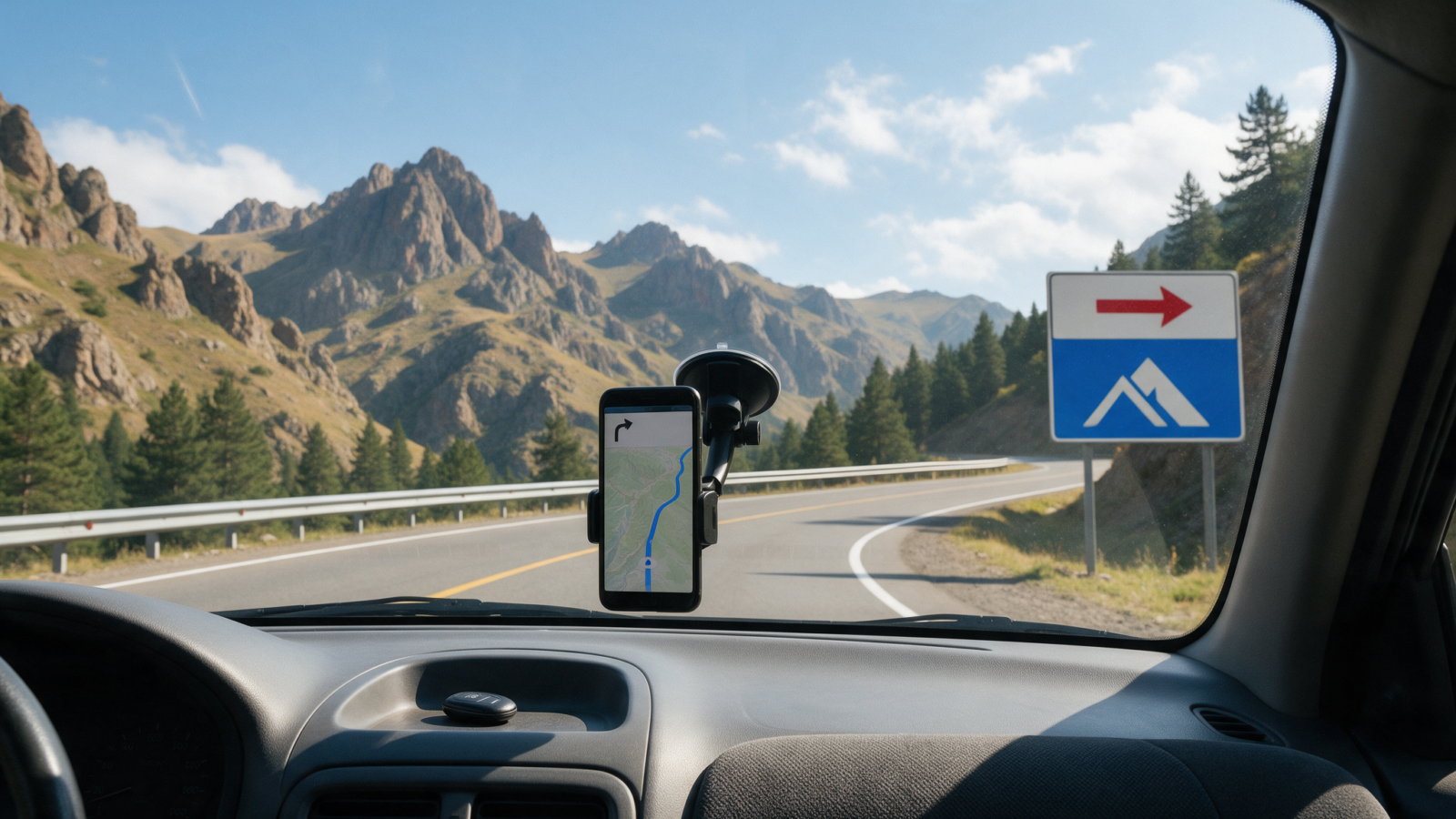
Use Yandex Maps as your primary navigation app in Armenia, not Google Maps. It is noticeably better off the main roads, and it warns you about speed cameras, which Google generally does not do here. Then download an offline map before you leave Yerevan, because on the passes and in the gorges you will lose signal regardless of which network you are on, and regardless of which app you picked.
Yandex Maps vs Google Maps
Google Maps works fine in Yerevan and on the country’s main routes — the M1 to Gyumri, the M4 to Sevan and Dilijan, the M2 south. Where it gets patchier is exactly where you need it most: smaller village roads, monastery access spurs, and anywhere routing has to make a judgement call about which of two rough options is actually passable.
Yandex Maps is the app Italian sources specifically call out for Armenia, and the reason is simple: it flags fixed speed cameras as you approach them. Armenia has several hundred fixed cameras, concentrated in and around Yerevan and along the main M-roads, and the network is being expanded. Google generally does not surface these in Armenia the way Yandex does. If you would rather not find out about a camera from a fine landing on your card a month later, that alone is worth having Yandex installed before you land. For what those fines actually look like and how the discount-for-early-payment scheme works, see our guide to speed limits, cameras and fines in Armenia.
Practical approach: keep both apps on your phone. Use Yandex for the drive itself and the camera alerts, and keep Google as a fallback for searching a specific business or address in Yerevan, where its local listings are usually stronger.
Road signs: Armenian script, and what’s actually transliterated
Road signs in Armenia are primarily in the Armenian alphabet, with some Russian still appearing on older signage, and limited English once you’re outside the main cities. That can be disorienting the first time you’re trying to match a place name on a sign to the name on your phone screen while also watching for the turn.
The main interstate M-roads commonly carry a Latin-alphabet transliteration under the Armenian script on the larger highway signs — the kind you see approaching Yerevan, Gyumri, Vanadzor or Goris. That helps a great deal on the routes most tourists actually drive. What we cannot promise is that every sign, on every secondary road, carries the same duplicate. Treat Latin transliteration as a helpful bonus you’ll often get on the big roads, not a rule you can rely on everywhere.
Two things make this manageable in practice. First, your navigation app’s spoken turn-by-turn directions do the reading for you — you don’t need to parse a sign at 80 km/h if the app has already told you the turn is coming. Second, it’s worth spending five minutes before you set off learning to recognise the Armenian script for the handful of towns on your specific route. You don’t need to read Armenian; you just need to pattern-match a few place names, which is enough to confirm a junction sign matches what your app is telling you.
The same logic applies at the border. Our guide to taking a rental car from Armenia to Georgia covers the crossings and the paperwork; signage on the Georgian side switches to Georgian script, which is a different alphabet again, so the same “let the app read it for you” approach applies there too.
Download your maps before you leave Yerevan
Armenia has three mobile networks — Viva-MTS, Ucom and Team (formerly Beeline). If you’re buying a local SIM for the trip, Viva-MTS is the one to get for rural reach; a passport is required to buy one.
| Operator | 4G+ coverage of populated areas |
|---|---|
| Viva-MTS | 99.9% |
| Ucom | 88.2% |
| Team (formerly Beeline) | 55.5% |
But those are populated-area figures, and a lot of an Armenian road trip happens between populated areas. Coverage drops or disappears on mountain passes, in the gorges around Dilijan, Goris and Vayots Dzor, near Tatev, and along the eastern shore of Lake Sevan — the exact stretches where you most want a map still working. Our guides to winter driving and driving at night in Armenia both flag the same gaps for their own reasons; this is the one piece of route planning that applies whatever the season or the hour.
So before you leave Yerevan: download the offline map area for your whole route in whichever app you’re using, and if you want a genuine backup, Maps.me or Organic Maps tends to be more reliable than either Google or Yandex for the smallest village roads, precisely because it’s built to work fully offline. Ten minutes of downloading over hotel wifi is cheap insurance against a dead zone on the Vorotan Pass with a turn coming up.
Getting around without getting lost
- Primary appYandex Maps — better off-highway, warns of speed cameras
- Backup appMaps.me or Organic Maps, downloaded offline before you leave Yerevan
- Best SIM for rural coverageViva-MTS (passport required to buy)
- Weak or no signalMountain passes; gorges near Dilijan, Goris, Vayots Dzor; near Tatev; east shore of Sevan
- Road signsArmenian script; Latin transliteration common on main M-roads, not guaranteed elsewhere
None of this is a reason to worry about the drive — the country’s main routes are well signed and easy to follow once you’re used to the alphabet switch. It’s a reason to spend fifteen minutes on preparation before you leave the rental desk rather than working it out on the Selim Pass with no signal. For the rest of what to expect on Armenian roads, start with our overview of driving in Armenia.
Sorted the car, now sort the route
Tell us where you’re headed and we’ll flag anything worth knowing about that stretch of road before you set off.
Questions people actually ask
Does Google Maps work in Armenia?
Yes, especially in Yerevan and on the main M-roads, but it is generally less reliable on smaller and rural roads, and it does not reliably warn about speed cameras the way Yandex Maps does. Most drivers here find Yandex more useful overall.
Do Armenian road signs use the Latin alphabet?
Mostly no. Signs are primarily in Armenian script, with some older Russian signage still around and limited English outside the cities. Main interstate roads commonly add a Latin transliteration under the Armenian on larger highway signs, but this is not something you can rely on for every sign on every road.
Will I have phone signal in the Armenian mountains?
Not reliably. Coverage is strong in populated areas but drops on mountain passes, in the gorges around Dilijan, Goris and Vayots Dzor, near Tatev, and on the eastern shore of Lake Sevan. Download offline maps before you leave Yerevan.
Which SIM card is best for a self-drive trip in Armenia?
Viva-MTS has the widest rural 4G+ coverage of Armenia’s three operators, at 99.9% of populated areas against 88.2% for Ucom and 55.5% for Team. You need your passport to buy a SIM.
Does Yandex Maps warn about speed cameras in Armenia?
Generally yes, which is one of the main reasons Italian and other European drivers favour it here. Google Maps does not typically surface Armenian speed camera warnings the same way.
What should I do if I can’t read a road sign?
Trust your navigation app’s spoken directions rather than trying to read every sign at speed, and check that the transliterated place name it gives matches what you see on the ground. That is usually enough even without any Armenian.
Is it worth having both Yandex and Google Maps installed?
Yes. Use Yandex for the drive itself and the camera alerts, and keep Google as a backup for searching addresses and businesses in Yerevan, where its listings tend to be stronger.
Last verified 25 September 2026. Mobile coverage figures are Armenian telecom regulator data for the three national operators, correct at time of writing. Speed camera network scale and expansion status per Armenian reporting; no current national camera count is published. Signage and navigation-app behaviour based on operator research and traveller reports current as of this update.